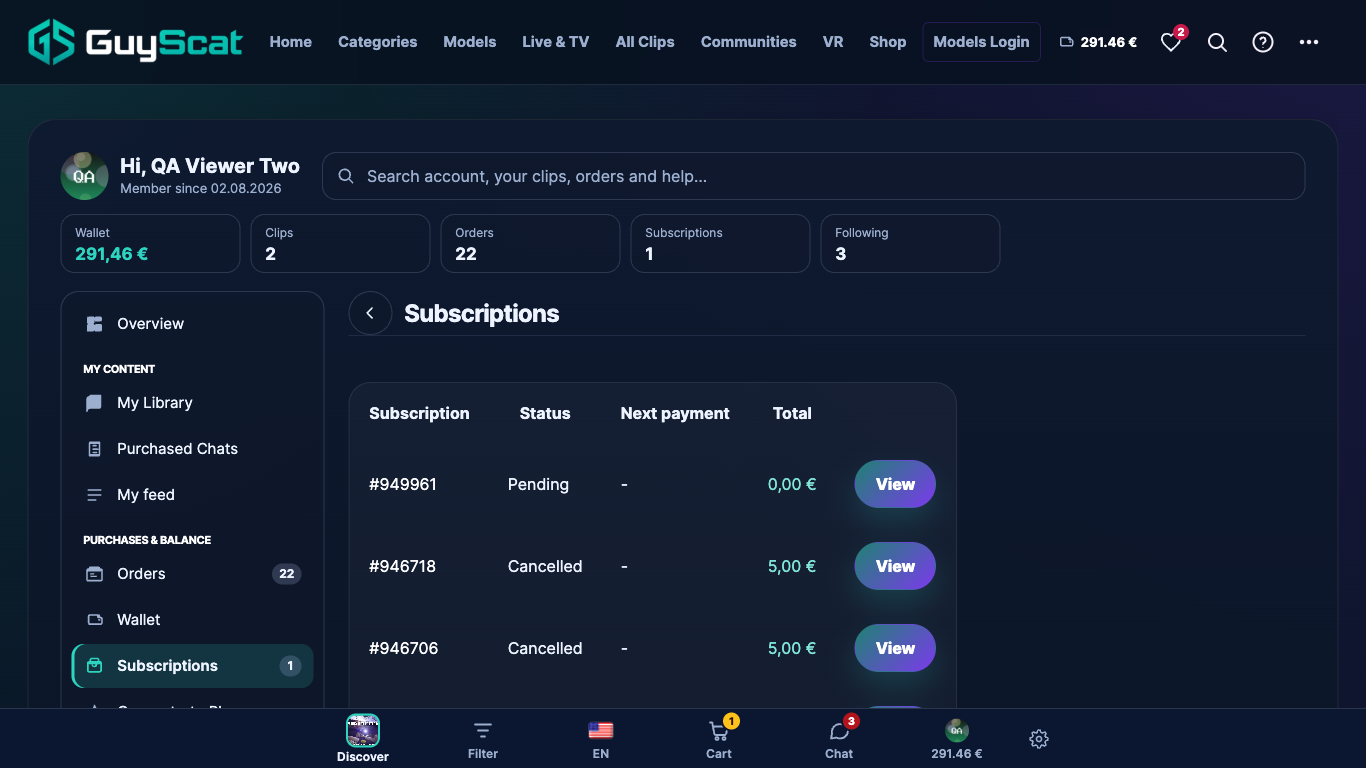
Plus is optional — the community works without it. It gives you more room and more contacts.
1. What you get with Plus
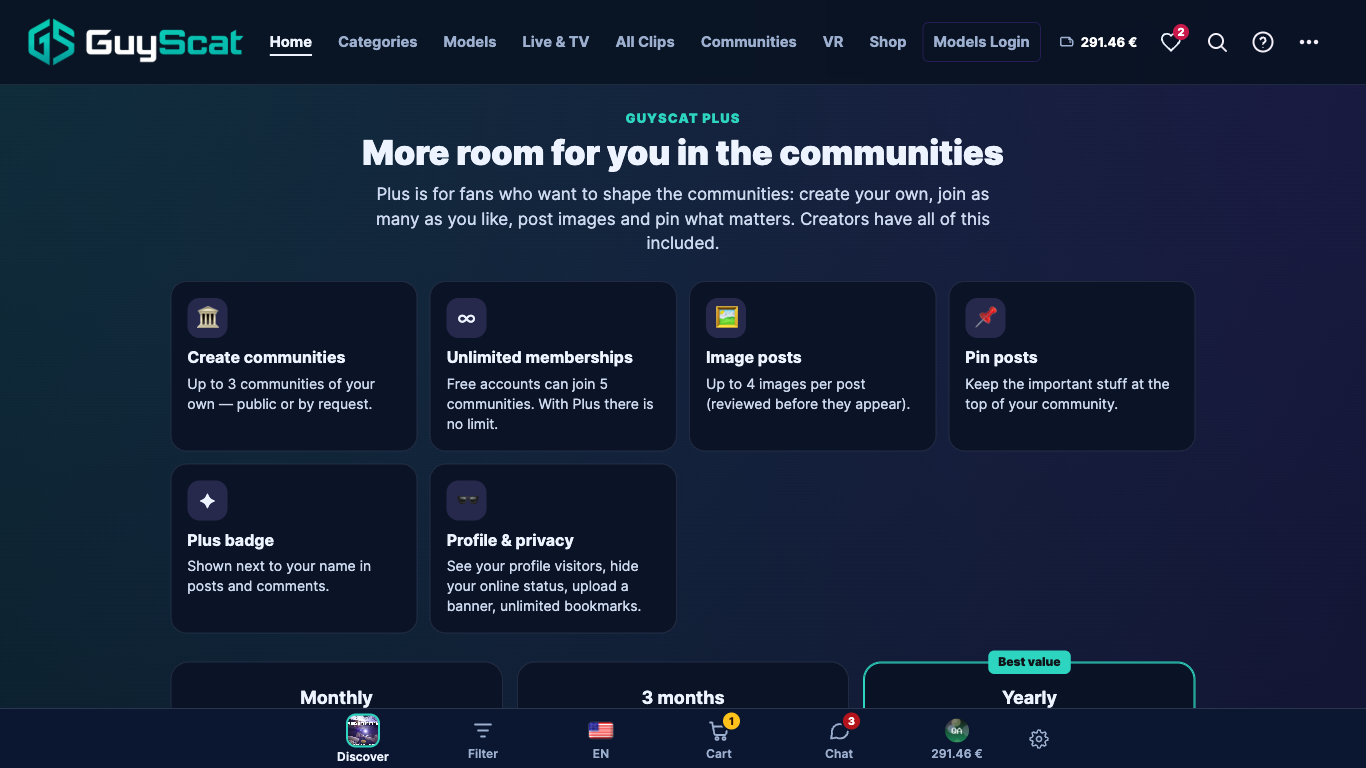
No limit on communities, direct messages to members, see who likes you, your own albums and banner, videos up to 10 minutes, more filters and more friend requests. Pro adds even more contacts per day, videos up to 30 minutes and shows you first.
2. Get Plus
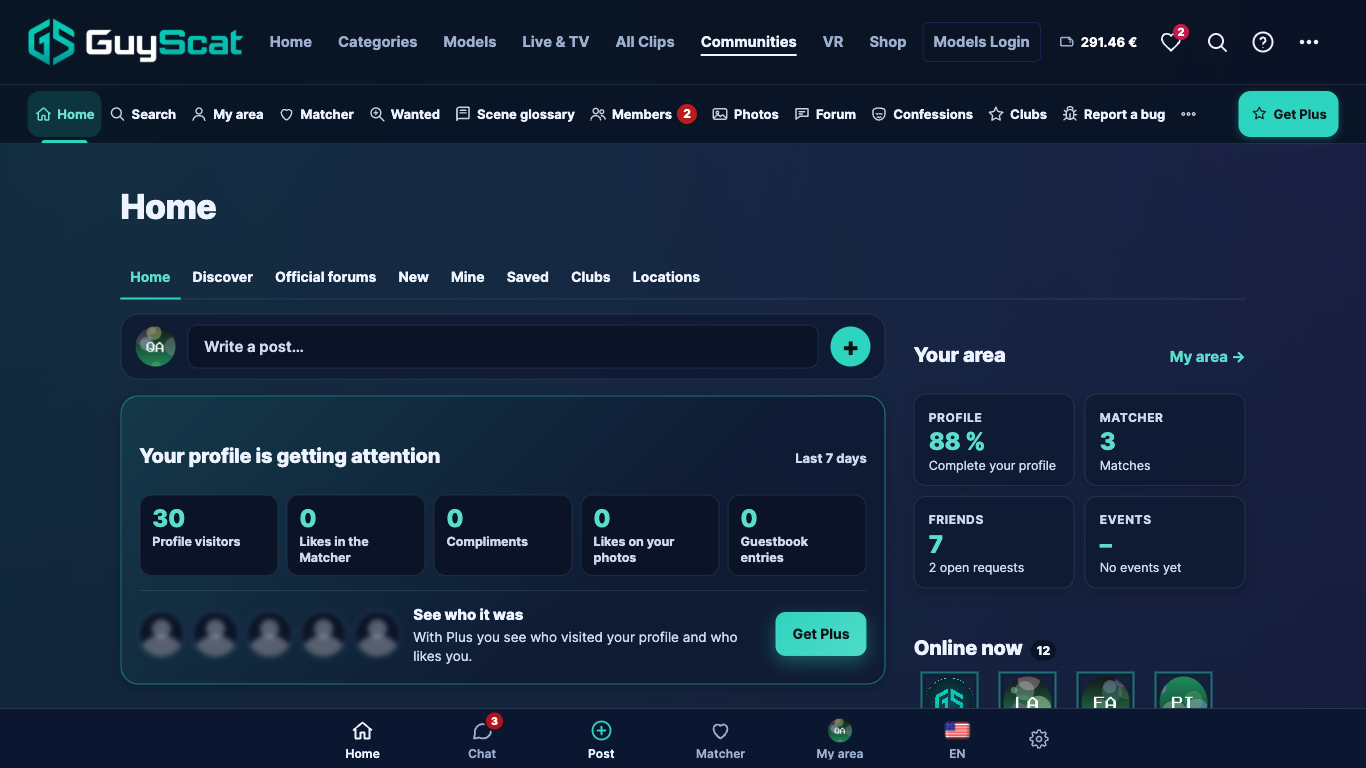
Open Get Plus in the menu, choose a plan and pay as usual. Plus starts right away and is valid on the sister sites too once you link your accounts.
3. Cancelling Plus
Cancel anytime under My Account → Subscriptions. Plus stays active until the end of the paid period; your posts and friends stay.